Benefeature logo
Office-Level Attribution

Broker Filing HubBeyond the Lockbox

When plans file from a central lockbox, the writing office drops out of Form 5500 data. Benefeature attributes every plan to the broker office that produced it.
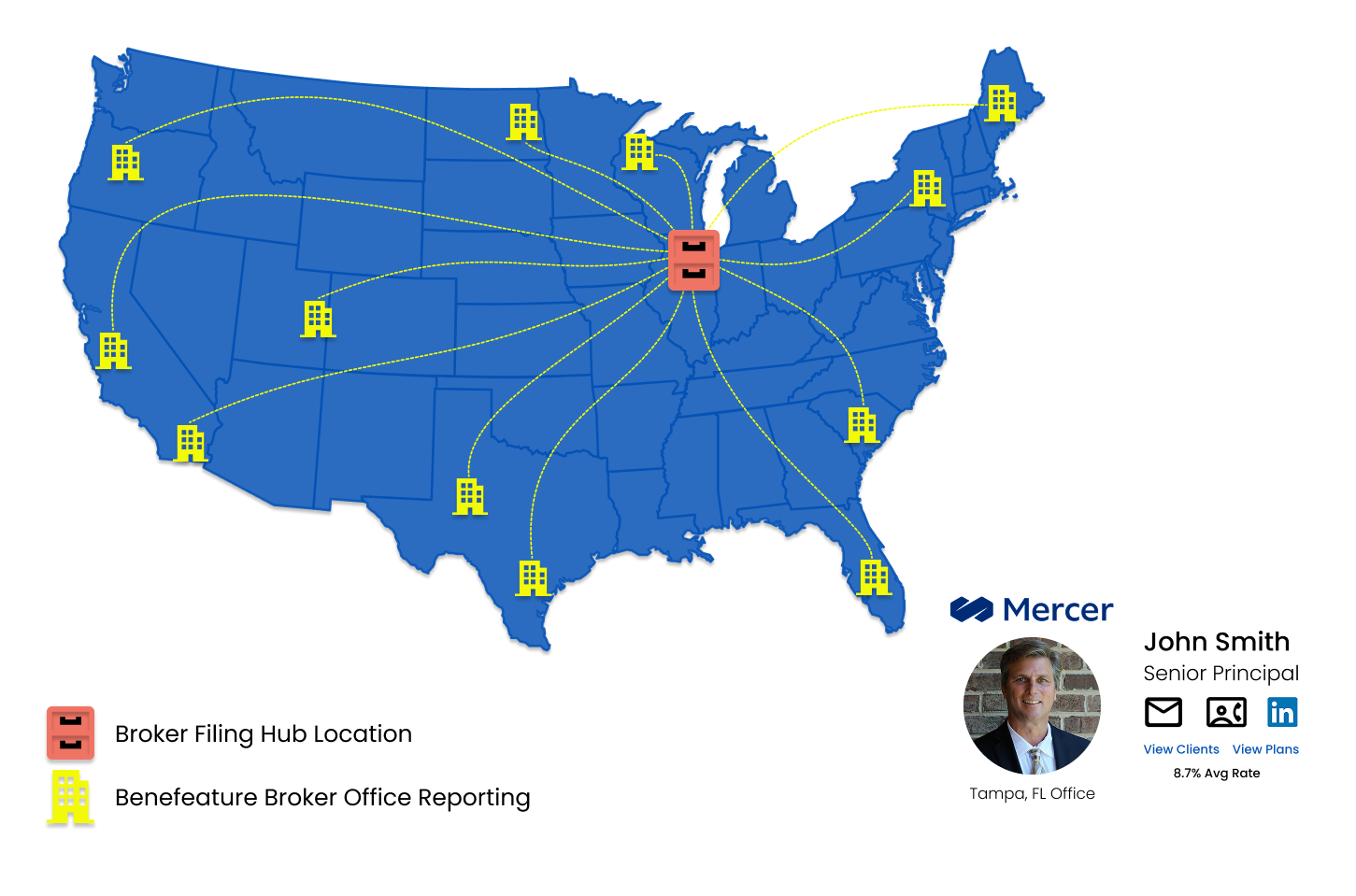
Benefeature Broker Filing Hub dashboard showing office-level attribution on benefit plans

Trusted by carriers, brokers, and vendors across the industry

Lincoln Financial Group
ShelterPoint
Mutual of Omaha
Prudential
The Hartford
Symetra
Principal
OneAmerica
Lincoln Financial Group
ShelterPoint
Mutual of Omaha
Prudential
The Hartford
Symetra
Principal
OneAmerica
Three lenses on the same data

From the Lockbox to the Writing Office

Why central filings distort broker data, how Benefeature attributes the producing office on every plan, and how your team searches and maps territory from there.
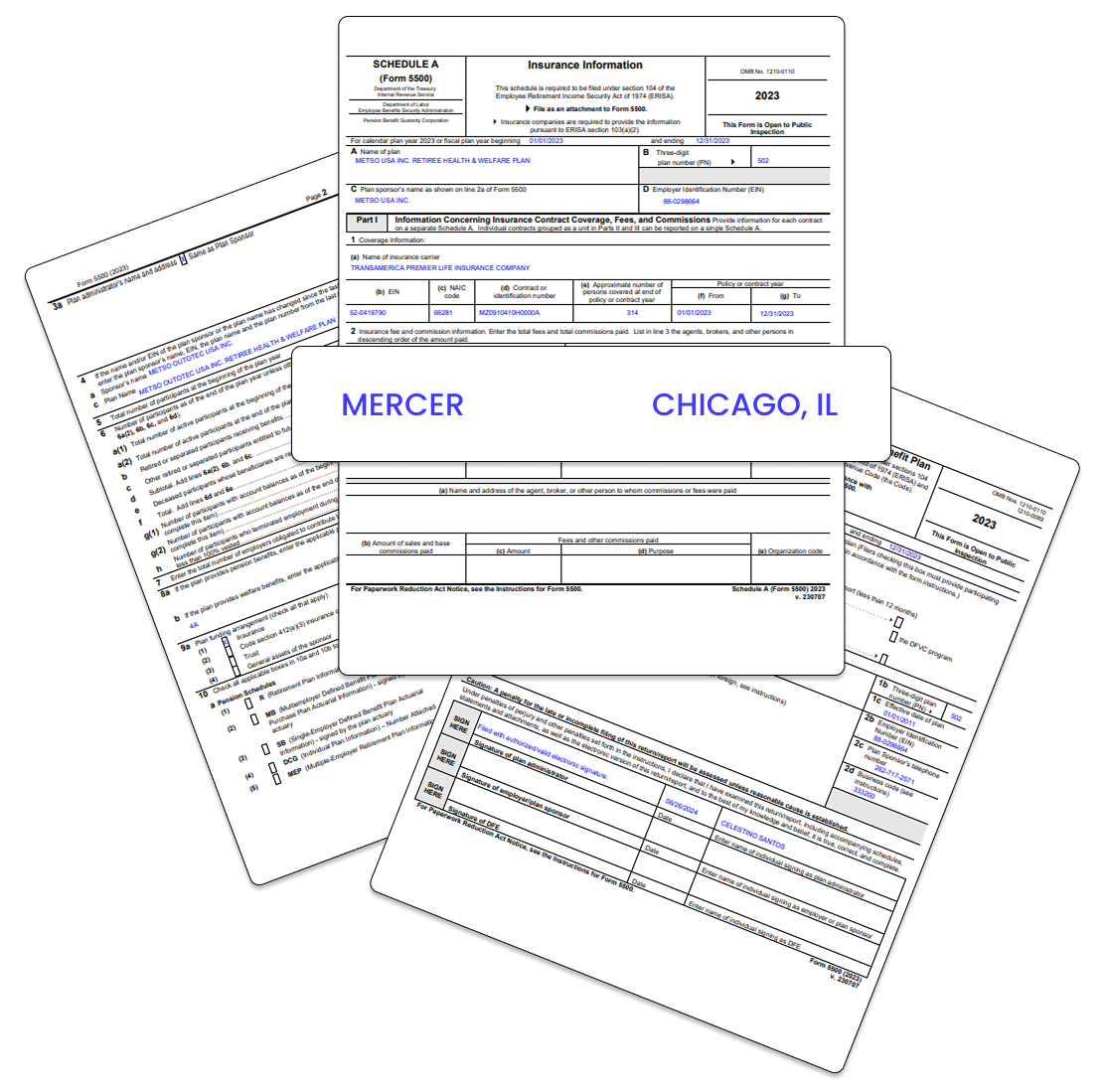
Form 5500 filing hub issue showing plans reported from a central brokerage location instead of producing offices
The lockbox problem

Central Filings Hide Real Sales Locations

National firms often report a majority of plans from one hub city. The business behind those filings usually came from offices nationwide. Firm-level views miss the producing office your team needs to call on.

  • Hidden offices: Central filing addresses mask where plans were written and sold.
  • Missed opportunities: Harder to see which local offices drive volume in your markets.
  • Weak territory plans: Distribution strategy stalls without clear office attribution.
See it on your territories
Office attribution

Attribute Every Plan to the Producing Office

Benefeature does not guess from the filing address alone. We model which broker office wrote each benefit plan so you see real production, build sharper territory plans, and focus field effort where it matters.
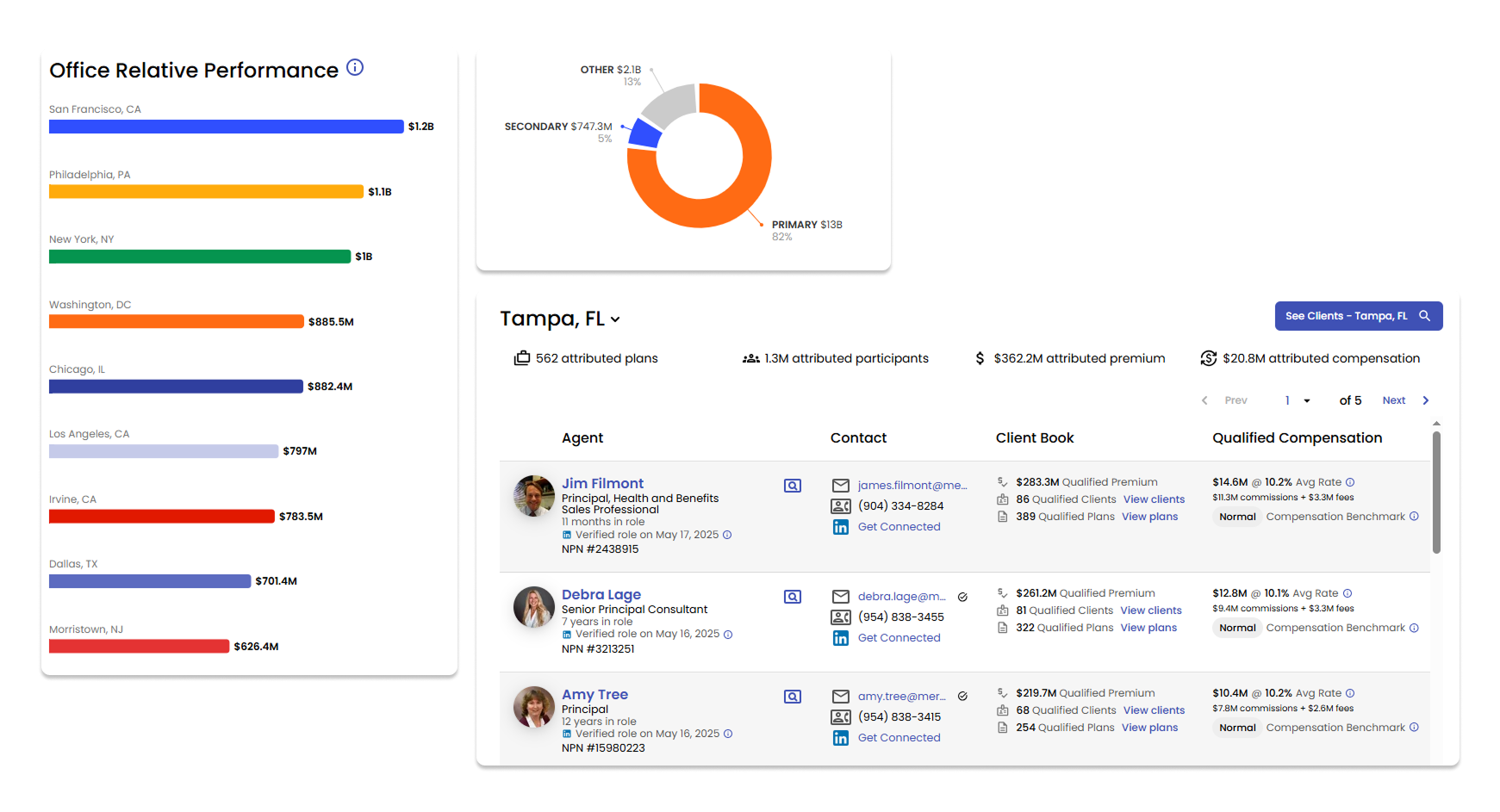
  • Office attribution: See the broker office tied to each plan on the employer profile.
  • Territory insight: Map office production to regions for data-driven coverage plans.
  • Performance tracking: Rank offices by volume and spot growth pockets fast.
See it on your accounts
Benefeature office-level broker attribution reporting on benefit plans
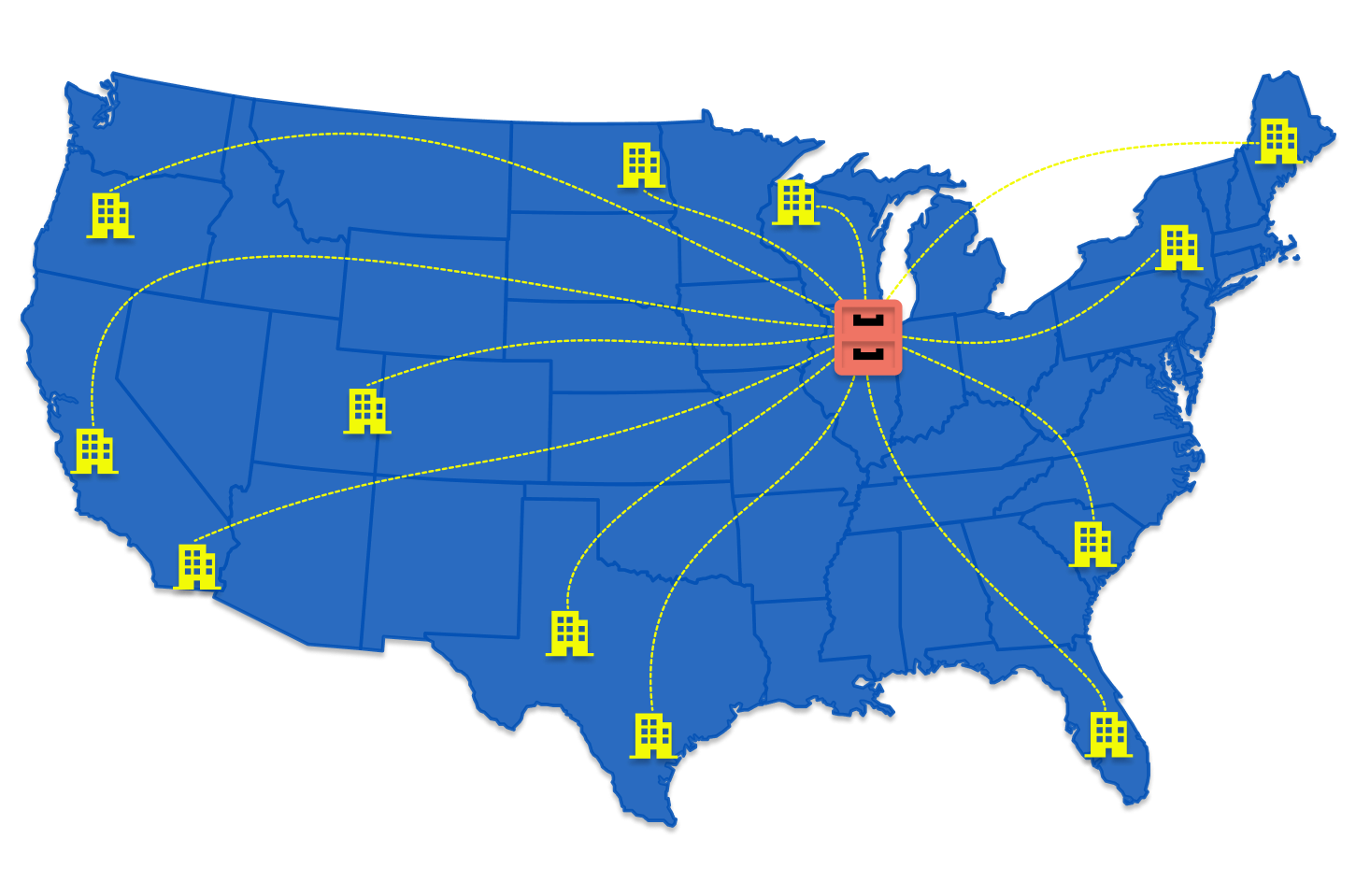
Benefeature territory map and search filters for broker office attribution
Territory & search

Map Offices, Search Books, Move Faster

Attribute plans to offices, map territory performance, and build focused lists. Search across employers, broker firms, and offices with the rest of Benefeature filters in minutes, not hours in a spreadsheet.

  • Territory mapping: Connect broker offices to regions for strategic planning.
  • Office analytics: Track which offices drive volume and where to invest next.
  • Search & filter: Build prospect and coverage lists with office-level precision.
See it on your territories

Insights That Build Trust and Retain Business

“Benefeature has unlocked new capabilities for our Group Insurance business. For starters, Benefeature data has helped us confirm and challenge anecdotal local market feedback from our sales team.”
VP | National Carrier

How Carriers, Brokers, and Vendors Put It to Work

Office-level attribution changes distribution strategy, broker partnerships, and territory planning.

For Carriers

  • Prioritize broker offices that actually produce in each territory
  • Align field resources to attributed offices, not filing hub cities
  • Pair office attribution with premium, comp, and plan context on one profile
  • Challenge or confirm field anecdotes with office-level production data

For Brokers

  • Show local office production when competing for employer relationships
  • Understand how hub filings affect your office visibility in the market
  • Build targeted outreach lists by office and specialty
  • Combine attribution with employer contacts and plan intelligence

For Vendors

  • Target offices with employers that match your product footprint
  • Filter books by office production and premium bands
  • Support ABM with office-specific context, not firm-level guesses
  • Export segments for outreach within tier export limits

See Which Offices Wrote the Business

Pick five employers or broker firms you know well. We walk through office attribution, territory views, and how producing-office data changes your next conversation on those accounts. Thirty minutes, your data.

Book the walkthrough